Main-image decision workflow
White Background and Product Subject Fill Guide
Know when pure white is a rule, when it is only useful advice, and whether the product is actually large enough in the frame before you upload.
Local subject-fill estimator
Measure the frame, then inspect the pixels.
Enter the full image and approximate product bounds. Values stay in this browser. The result is an estimate for triage, not a compliance guarantee.
Rule versus recommendation
Do not force every listing into one marketplace myth.
Amazon’s strict main-image surface is not a universal photo rule. eBay advises an uncluttered white or neutral backdrop, Etsy emphasises clear high-resolution primary images, and Shopify presentation depends on the store theme.
Official guidance checked 27 August 2026. Marketplace policies can change.
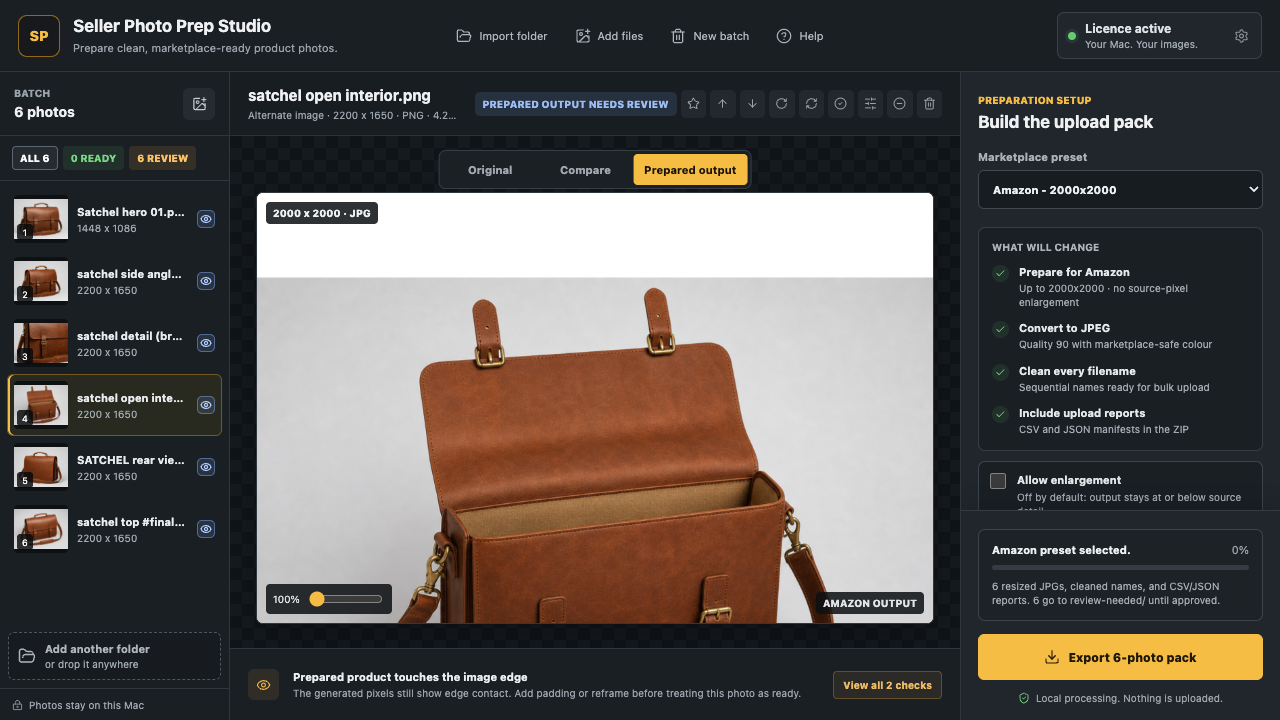
Four controlled steps
Background preparation is a review workflow.
- 01Identify the image slot
Main-image rules can be stricter than supporting-image guidance.
- 02Estimate subject fill
Use the product bounds to flag excessive empty space.
- 03Inspect the edge
Review shadows, transparent areas, cut-out damage, and colour accuracy.
- 04Export separately
Keep the original untouched and send only the reviewed prepared output.
Straight answers
Before you whiten a whole folder.
Does every marketplace require a pure-white background?
No. Amazon publishes a pure-white requirement for main product images. Other platforms use different policies and recommendations.
How is product subject fill estimated?
The estimator compares subject width and height with the full frame. It helps triage a batch but does not certify acceptance.
Can Seller Photo Prep make the background white?
It can prepare a uniform background locally and show the generated pixels for review. You still judge edges and product accuracy.
Check before export
Review the real output, then build the pack.
Start with the free local five-photo check. Use Seller Photo Prep when the whole folder needs preparing, reviewing, and exporting.